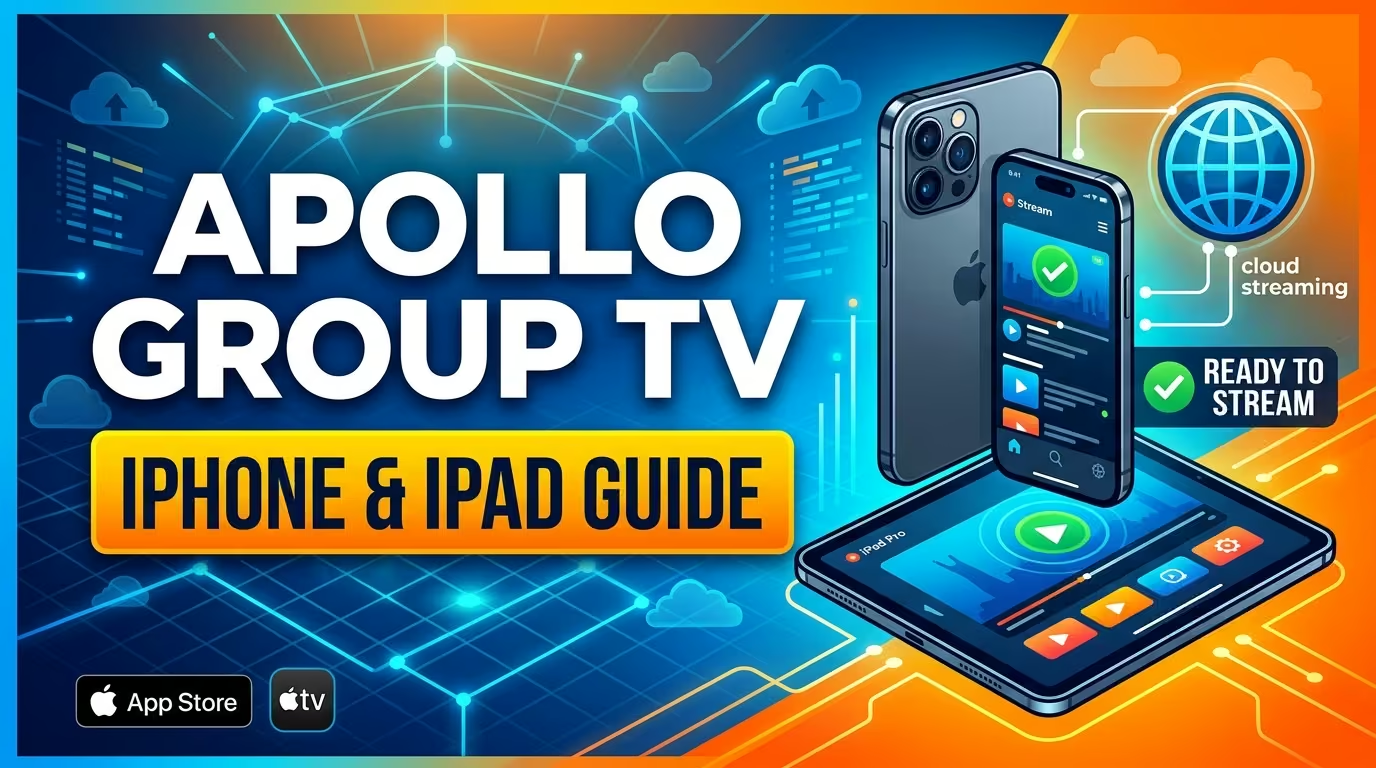
Setting up Apollo Group TV on iOS and tvOS devices lets you stream live television, sports, and movies directly from your iPhone, iPad, or Apple TV. Because Apple restrictions prevent direct IPTV installation, streaming on Apple hardware requires using compatible video player software configured with your subscription details.
This guide covers setting up your subscription on iOS devices, configuring playlist connections, and troubleshooting common streaming issues.
Requirements Before Setup
Before starting the setup on your iPhone, iPad, or Apple TV, make sure you have:
- An iOS device running iOS 13.0 or later, or an Apple TV running tvOS.
- A high-speed Wi-Fi or cellular data connection (minimum 25 Mbps recommended for HD streams).
- Active subscription details and Xtream Codes credentials from Apollo Group TV.
How to Set Up Apollo Group TV on iOS and Apple TV
Follow these steps to connect your subscription to your Apple device:
Step 1: Download a Compatible IPTV Player
Open the App Store on your iPhone, iPad, or Apple TV and search for a supported player software, such as:
Select your preferred app and tap Get to download it to your device.
Step 2: Configure Your Subscription Connection
- Launch the downloaded player app on your iOS device or Apple TV.
- Choose Add User or Add Playlist.
- Select Load Your Playlist or File/URL or choose Log in with Xtream Codes API.
- Enter your connection details provided in your welcome email from Apollo Group TV:
- Any Name: Type
Apollo TVor a preferred profile label. - Username: Enter your assigned subscription username.
- Password: Enter your assigned subscription password.
- Server URL / M3U Link: Input the portal address sent from Apollo Group TV.
- Any Name: Type
- Tap Add User or Save to process your login.
Step 3: Load Channels and EPG Data
Allow the player application a few seconds to sync channel playlists and Electronic Program Guide (EPG) data. Once processing finishes, you can navigate live categories and start streaming.
Troubleshooting iOS and Apple TV Streaming Issues
Fix Credentials or Loading Errors
- Double-Check Character Case: iOS keyboards automatically capitalize initial input letters and add trailing spaces after periods or @ symbols. Ensure characters match your apollo group tv email exactly.
- Verify Server URL: Confirm the server domain and port number match your active account setup instructions.
Fix Video Playback Buffering
- Toggle Wi-Fi Band: Switch from a 2.4GHz network to a faster 5GHz Wi-Fi band or disable cellular data saver options.
- Clear App Storage or Reinstall: If video streams freeze frequently, open Settings > General > iPhone Storage, select your player app, and choose Offload App before reinstalling.
Frequently Asked Questions
Is there an official Apollo Group TV app on the Apple App Store?
Apple does not host dedicated IPTV provider apps directly. However, you can stream using compatible media players like IPTV Smarters Pro or Smarters Player Lite configured with your credentials.
Can I stream Apollo Group TV on Apple TV?
Yes, you can install a supported IPTV app directly from the Apple TV App Store and configure it using your Xtream Codes API details from Apollo Group TV.